⚙️ 2. Stremio Account Initialization
Second, let’s prepare the Stremio account properly:
- Open Stremio Web and MAKE SURE you’re signed in with your account.
- IMPORTANT: Do not confuse www.stremio.com, which is for account management, with web.stremio.com, which you MUST be signed in to for removing/installing the addons. Being signed in to www.stremio.com does not automatically sign you in to web.stremio.com, and your addons will not install on your account.
- Obviously you need a browser to configure everything on this guide, including using the Web version of Stremio to remove and install addons. Don’t worry though, after you set everything up ONCE, you can use your setup everywhere you use Stremio (Smart TV, Android, iOS, Windows, everywhere).

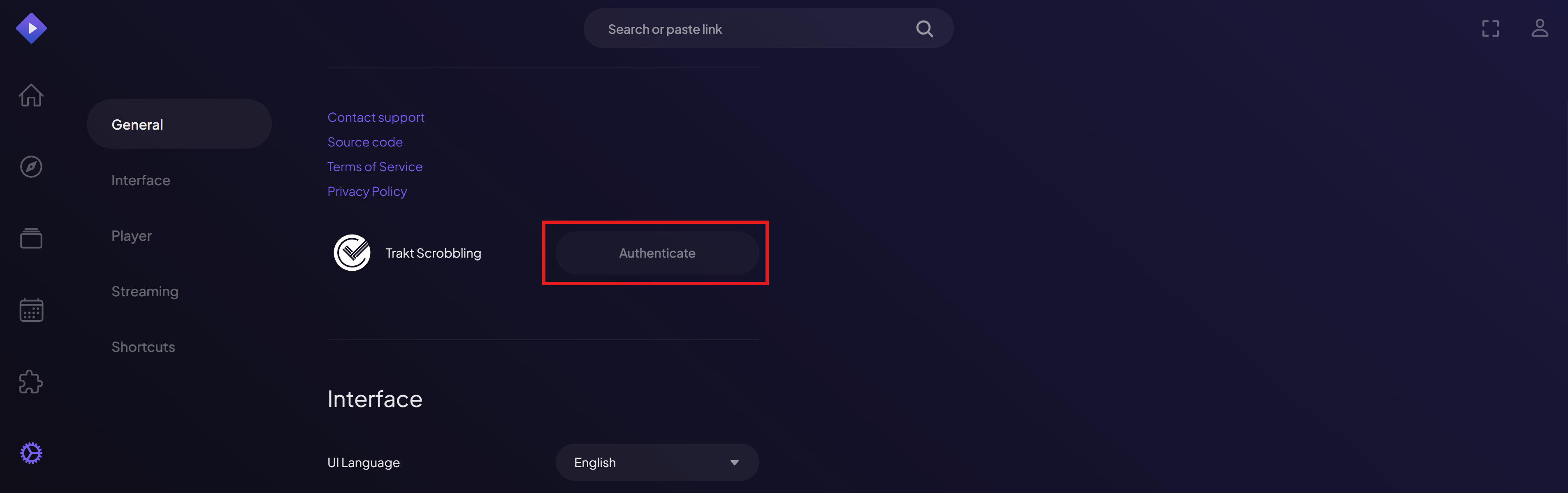
- Go to “Settings” in Stremio Account and enable Trakt Scrobbling by connecting it to your Trakt account.
- This will allow Stremio to sync show progress and history with Trakt.
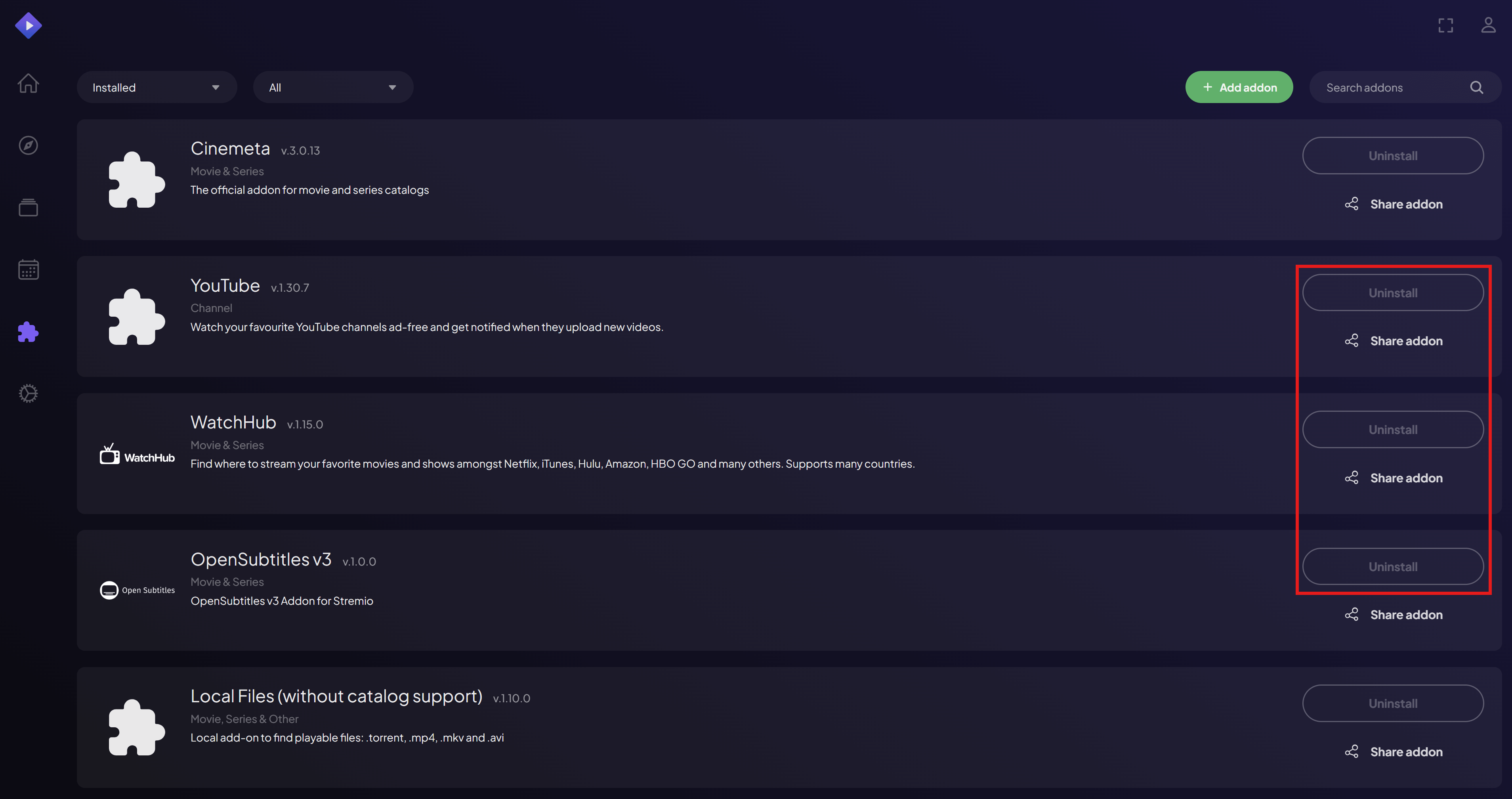
- Go to “Addons” and uninstall all addons.
- Also remove the Trakt Integration addon, it is separate from Trakt Scrobbling (which you need), and you don’t need it because we will use something else for this.
- Cinemeta and Local Files cannot be removed. Leave them, we will take care of this later.