
🧹 5. Cinebye [Clean-Up]
Cinebye is the addon order and patch management layer for Stremio. It lets you apply cleanup patches and control addon priority so AIOMetadata and AIOStreams are used in the right order.
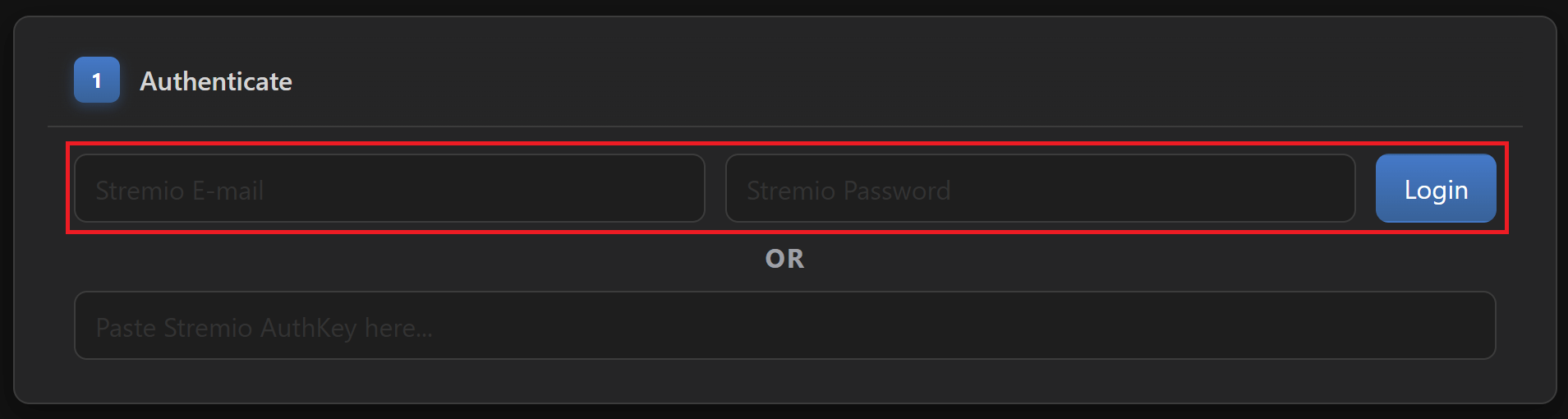
Go to this Cinebye instance and:
- Sign in with your Stremio account details.
- OR if you don’t want to use your credentials directly, there is a more complicated approach:
- Login to Stremio Web using your credentials in your browser.
- Open the developer console (F12 on Chrome) and paste this code snippet:
JSON.parse(localStorage.getItem("profile")).auth.key - Take the output value and paste it in Cinebye where it says “Paste Stremio AuthKey here…”.
- Press Enter or click Login.
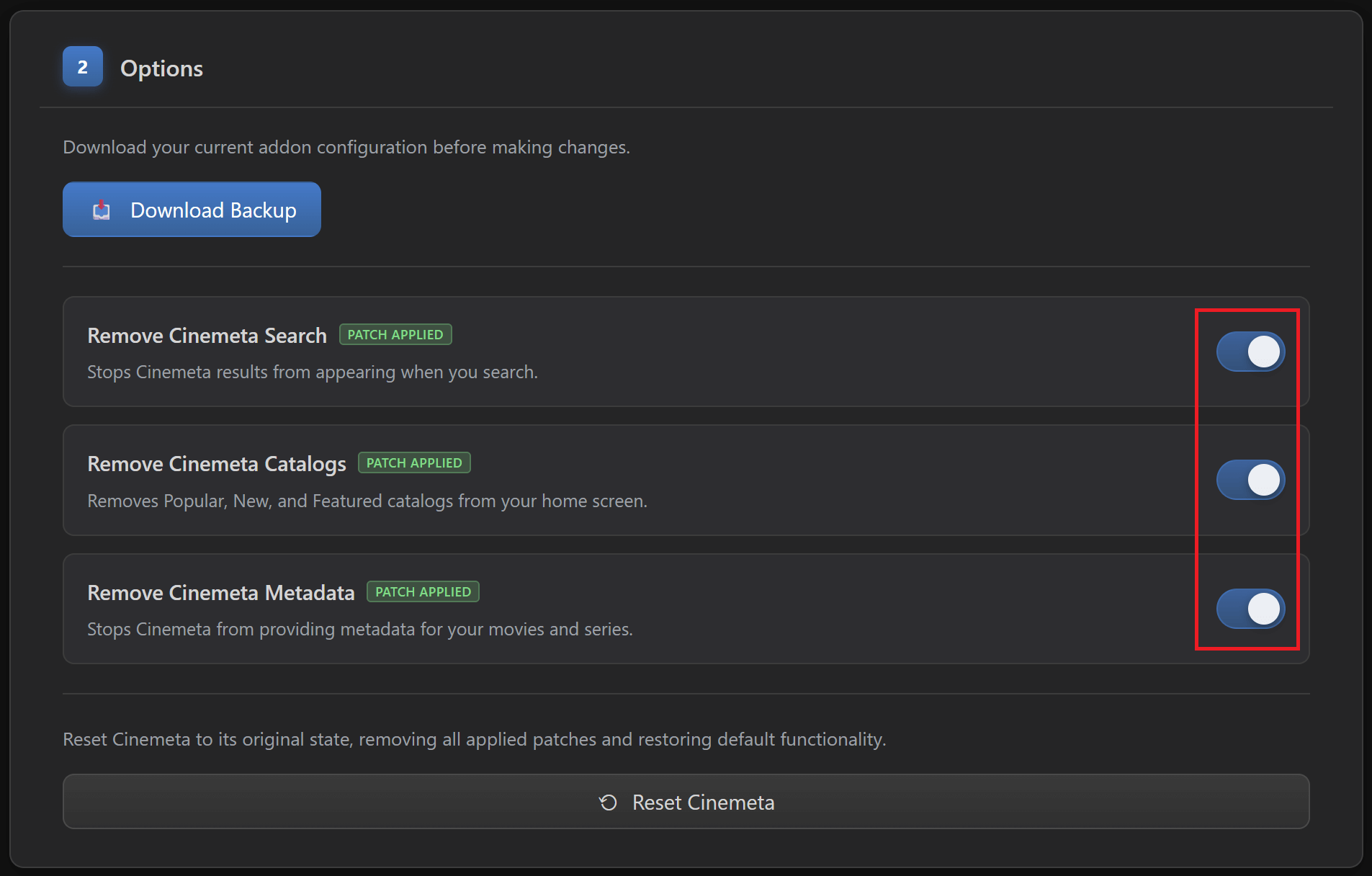
- Once authenticated and the options become available, in section “2 - Options” you can download a backup first just to be safe.
-
Enable all three patches: “Remove Cinemeta Search”, “Remove Cinemeta Catalogs”, and “Remove Cinemeta Metadata”.
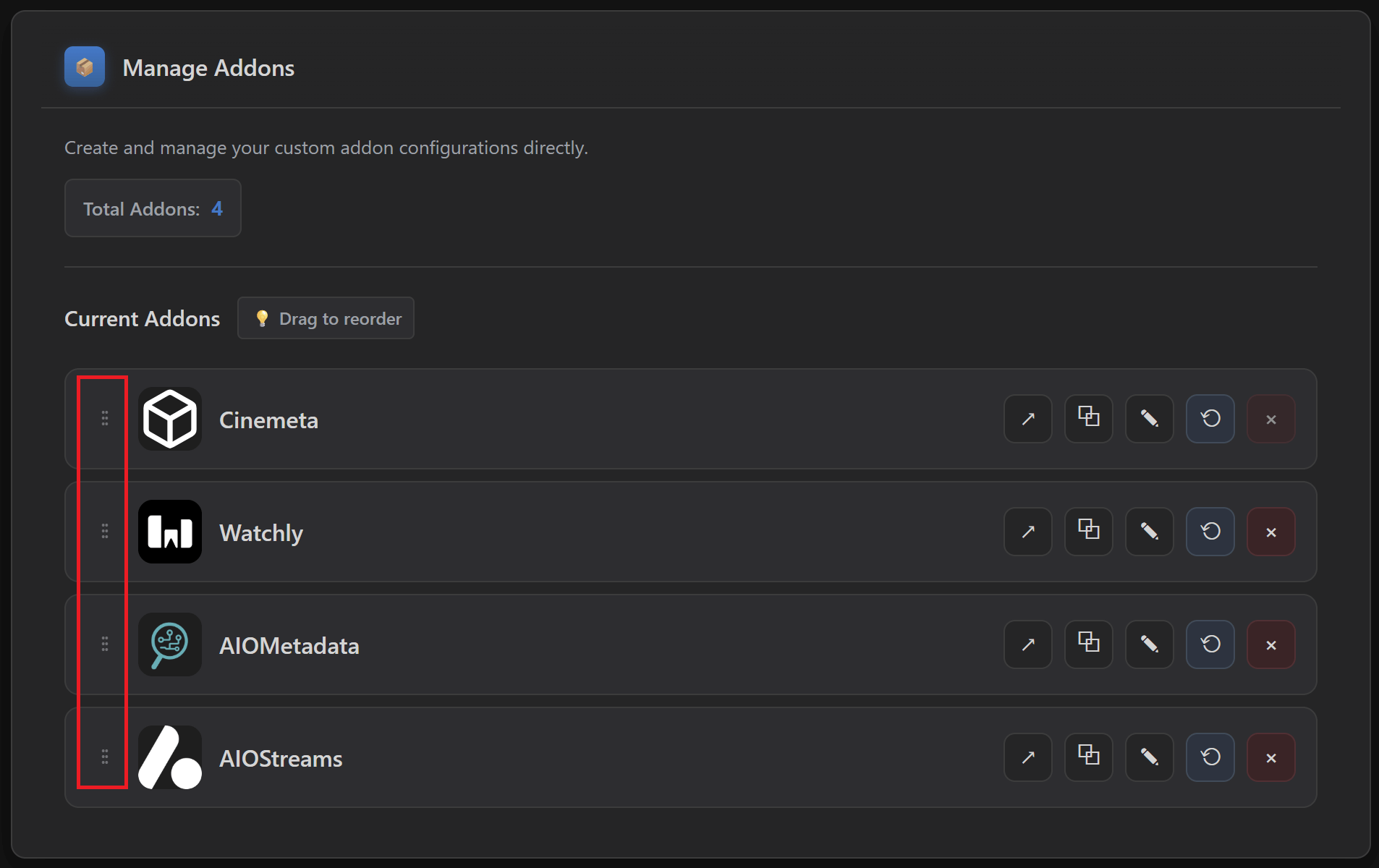
- Scroll down to “Manage Addons” and change the order of the addons to this:
- Cinemeta
- AIOMetadata
- AIOStreams
- Local Files
-
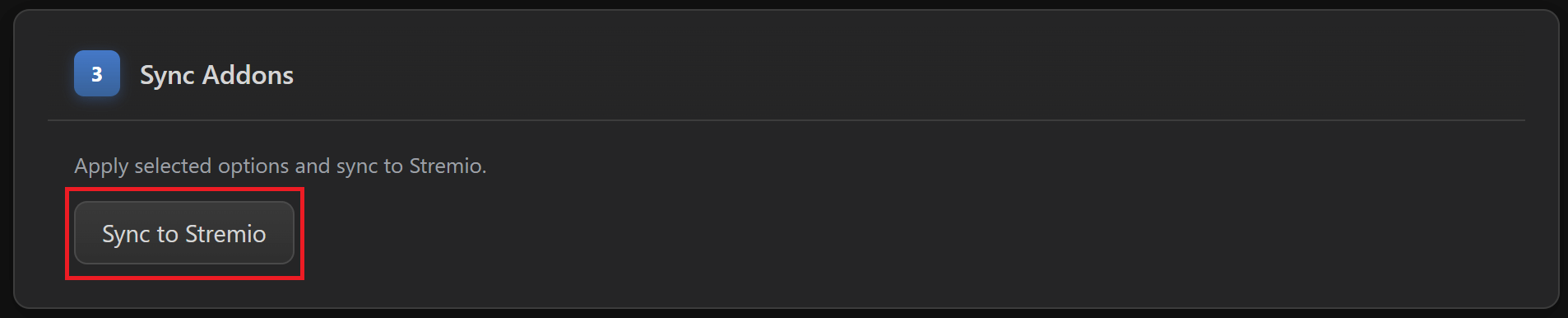
Scroll back up to “3 - Sync Addons” and click on “Sync to Stremio”.
NOTES FOR LATER:
- Keep in mind for later that if you change catalog structure in AIOMetadata after you installed it on Stremio, or if you add the CouchMoney lists from Step 6 below, then go to Cinebye, authenticate again with Stremio credentials, and click the Refresh icon to the right of AIOMetadata in the “Manage Addons” section.
